 Skip to content

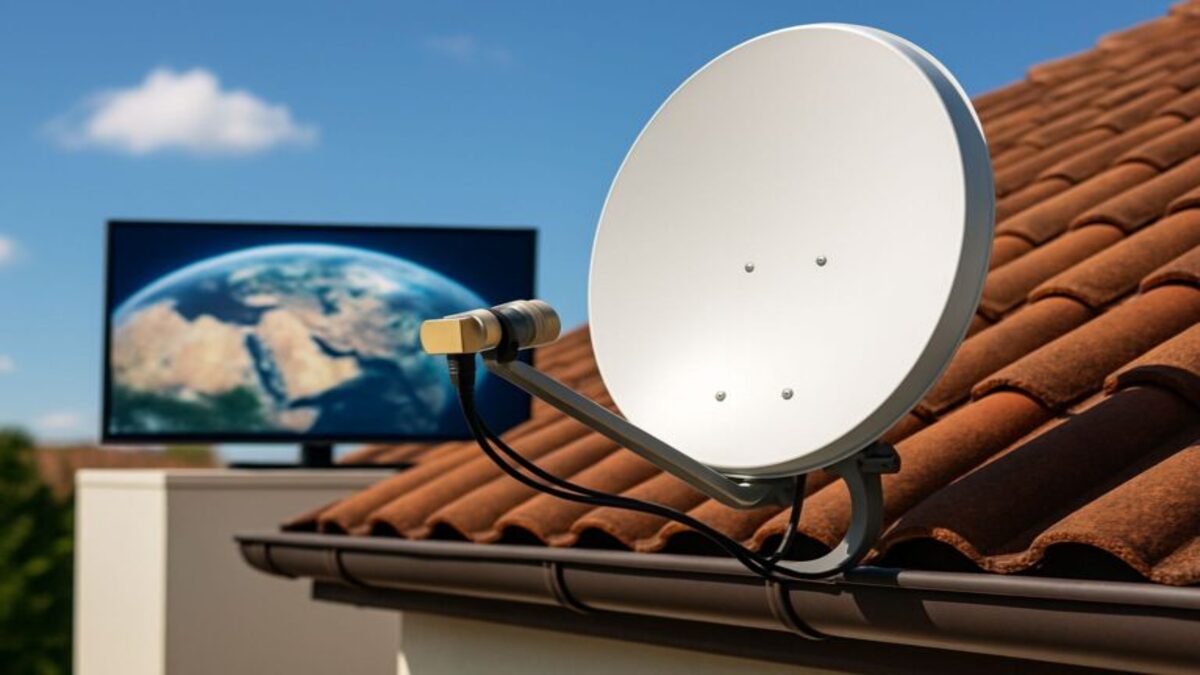
Yes, you can use DISH TV with Starlink internet at the same home. DISH provides satellite television through its own receiving equipment, while Starlink provides a separate satellite internet connection. The two services do not need to be purchased together, and basic DISH satellite television does not require Starlink internet.
Starlink can provide internet connectivity for supported DISH receiver features, streaming applications, and other household devices. However, internet-dependent features may have additional requirements involving the receiver, account, connection, and content availability.
For rural households without cable or fiber, combining DISH TV with Starlink may provide a practical way to enjoy traditional television channels while using a separate internet service for browsing, streaming, and other online activities.
How Do DISH TV and Starlink Work Together?
DISH TV and Starlink operate as separate satellite systems.
- DISH TV: Uses a compatible satellite dish and receiver to deliver television programming.
- Starlink: Uses its own satellite terminal and networking equipment to provide broadband internet access.
The DISH receiver handles satellite-delivered television channels. Starlink supplies internet connectivity for computers, phones, streaming devices, and supported internet-connected DISH features.
Because the services are separate, they require their own subscriptions, compatible equipment, and appropriate installation locations.
Using Starlink does not automatically change the channels available through your DISH television package.
Does DISH TV Need Starlink Internet to Work?
No. Basic DISH satellite television reception does not require Starlink or another broadband internet connection.
With an active DISH subscription and properly functioning equipment, you can watch supported satellite-delivered channels without using your household’s internet connection.
Local DVR recordings stored on compatible DISH receivers can also generally be played without an active broadband connection, subject to receiver and account requirements.
However, certain features require internet access:
- Supported streaming applications such as Netflix.
- Internet-delivered On Demand programming.
- Selected interactive and connected receiver features.
- Supported DISH Anywhere and remote-viewing functions.
If Starlink becomes unavailable, basic satellite television may continue working as long as the DISH equipment has power, an adequate satellite signal, and the required service authorization.
Both systems can still be affected by severe weather or electrical outages.
How Do You Connect a DISH Hopper to Starlink?
Connecting a compatible DISH Hopper receiver to Starlink is similar to connecting it to another home internet service.
The correct method depends on the Hopper model, Starlink equipment generation, and available network connections.
Option 1: Connect Through Wi-Fi
Compatible Hopper receivers can connect to a supported home Wi-Fi network.
- Make sure your Starlink internet connection is operating normally.
- Open the network or internet settings on your compatible DISH receiver.
- Choose the available wireless connection option.
- Select your Starlink Wi-Fi network.
- Enter the Wi-Fi password and complete the connection process.
- Use the receiver’s network test or connection-status feature when available.
Menu names and connection procedures vary by receiver model.
For model-specific instructions, consult DISH’s official support resources.
Option 2: Connect Through Ethernet
A wired Ethernet connection may be appropriate when the DISH receiver and Starlink networking equipment have compatible Ethernet ports.
Some Starlink hardware configurations require an approved Ethernet adapter or additional networking equipment. Other configurations include suitable Ethernet connectivity.
Before purchasing adapters, check the exact Starlink hardware model and its supported connection methods.
Ethernet can help reduce problems caused by weak local Wi-Fi, but it cannot correct satellite network congestion, an internet outage, or a content-service location restriction.
Do not connect a DISH receiver directly to a Starlink satellite terminal through an improvised PoE arrangement. Follow the supported networking configuration for your equipment.
Can You Watch DISH On Demand Using Starlink?
Yes, supported internet-delivered DISH On Demand content can generally use a functioning Starlink internet connection.
Availability depends on the DISH receiver, subscription, internet connectivity, and content rights.
Some On Demand programs are delivered through satellite television systems, while others require broadband. The specific program and receiver determine how the content is accessed.
Starlink does not automatically provide access to every DISH On Demand title.
If a program is unavailable, check whether the problem involves the internet connection, receiver settings, account authorization, or content restrictions.
Why Might DISH On Demand Show a Location Error With Starlink?
Some internet-delivered entertainment services use IP address information to estimate a customer’s location.
IP-based location estimates are not always accurate, including on networks that use shared addressing or route traffic through infrastructure outside the customer’s immediate area.
Starlink connections can sometimes be associated with IP location information that differs from the customer’s physical location.
However, an incorrect IP location should not automatically be assumed to be the cause of every DISH On Demand error.
Content availability can also depend on:
- The DISH subscription and account authorization.
- The receiver model and software.
- Licensing restrictions for a particular program.
- Internet connectivity and network configuration.
- The service’s location-verification methods.
If you encounter a location-related message, record the exact wording and error code before contacting DISH.
Do not assume that changing Starlink plans, installing a different router, or switching to Ethernet will resolve a content-location restriction.
How Do You Troubleshoot DISH On Demand With Starlink?
If ordinary DISH television works but internet-connected features do not, begin by determining whether the problem affects the Starlink connection or only the DISH receiver.
- Test Starlink: Check whether a phone or computer can access the internet through the same Starlink network.
- Check the receiver: Confirm that the DISH receiver reports a functioning network connection.
- Identify the affected feature: Determine whether the issue affects one program, all On Demand content, or multiple streaming applications.
- Review error messages: Record the exact message and any displayed error code.
- Follow official troubleshooting: Use the restart or diagnostic procedure recommended for the particular receiver.
- Contact the appropriate provider: Ask DISH about receiver, account, and content-access problems. Contact Starlink if the underlying internet connection is failing.
A working internet connection does not guarantee that every streaming or On Demand feature will be available.
For official technical assistance, use DISH Support or the support options available through your Starlink account.
Can You Use DISH Anywhere With Starlink?
Yes. Eligible DISH customers can use supported DISH Anywhere features over a Starlink internet connection.
DISH Anywhere allows access to selected live television, On Demand programming, and compatible DVR features, depending on the account, receiver, device, and content restrictions.
Remote access to recordings may require compatible Hopper equipment connected to the internet.
DISH Anywhere is not a guaranteed workaround for a receiver’s location error. The app has its own authorization, connectivity, and content requirements.
For current features and supported devices, visit DISH Anywhere.
Which Starlink Plan Should You Use With DISH TV?
For a fixed residential home, an eligible Starlink residential service plan is generally the appropriate starting point to evaluate.
Roaming or mobile plans are designed for different usage situations and may have different service conditions, performance priorities, and location requirements.
Because basic DISH satellite television does not consume Starlink internet bandwidth, you do not need to choose a higher internet plan solely to watch ordinary DISH channels.
Instead, evaluate the internet activities your household will actually use:
- Streaming applications and internet-delivered On Demand content.
- Video meetings and remote work.
- Computers, phones, and gaming systems.
- Smart-home devices and security cameras.
- Simultaneous streaming on multiple televisions.
Starlink pricing, equipment charges, service tiers, and availability can vary by location and change over time.
Check Starlink’s official website for current address-qualified offers rather than relying on older roaming prices or promotional fees.
Do You Need Two Satellite Dishes for DISH TV and Starlink?
Yes. DISH TV and Starlink use separate satellite receiving equipment.
The DISH dish communicates with the satellites used for its television service, while the Starlink terminal communicates with Starlink’s low-Earth-orbit network.
The equipment cannot be combined into a single ordinary receiving dish.
Each system also has its own installation requirements.
Does Dish Placement Matter?
Yes. DISH satellite television requires an unobstructed view toward its assigned satellite location.
Starlink requires a suitable view of the sky for its moving satellite network. Trees, buildings, and other obstructions can interrupt connectivity.
A location suitable for one system is not automatically suitable for the other.
Before installation, evaluate roof access, mounting locations, cable routing, electrical power, and the required view of the sky.
Will DISH TV and Starlink Work During Bad Weather?
Both services can experience interruptions during severe weather, but their performance should be evaluated separately.
Heavy precipitation, snow accumulation, and obstructions can interfere with satellite communications.
A storm may affect one service more than the other, but neither should be considered immune to weather-related interruptions.
Both systems also require electrical power for their equipment.
For homes where connectivity is especially important, consider appropriate backup power and an alternative communication method.
Can You Move Starlink to Another Property and Keep DISH TV at Home?
Starlink service-location and mobility rules depend on the selected plan and current provider terms.
Some plans are intended for fixed residential use, while others support qualifying mobile or roaming use.
If you remove the Starlink equipment from your home, internet-connected devices that rely on that connection may lose access unless another connection is available.
However, the DISH satellite television system remains separate. Its basic satellite-delivered channels may continue operating with the required power, signal, and account authorization.
Before relocating Starlink equipment, review the plan’s service-address and mobility requirements through your Starlink account.
Should You Choose Starlink or Another Internet Provider With DISH TV?
Starlink can be a practical internet choice for a qualifying rural property, but it is not the only service that can be used alongside DISH television.
Other possibilities may include Viasat, Hughesnet, fixed wireless, cellular home internet, DSL, cable, or fiber where available.
Compare the internet service independently from your DISH television subscription.
For additional comparisons, read Starlink vs. Hughesnet and Starlink vs. T-Mobile Home Internet.
You can also review Viasat internet availability in rural areas when exploring alternative satellite options.
The best internet provider depends on actual service availability, cost, performance, and household usage.
Frequently Asked Questions
Can I Use DISH TV and Starlink at the Same Time?
Yes. DISH provides satellite television, while Starlink supplies a separate internet connection. Both services can operate at the same qualifying property.
Does Watching DISH TV Use Starlink Data?
Ordinary satellite-delivered DISH television does not use Starlink internet data. Streaming apps, internet-delivered On Demand content, and other connected features may use Starlink data.
Will My DISH Hopper Connect to Starlink Wi-Fi?
Compatible Hopper receivers can connect to supported Wi-Fi networks, including a properly configured Starlink home network. Available connection methods depend on the receiver and networking equipment.
Can Starlink Cause DISH On Demand Location Errors?
IP-based location detection can sometimes be inaccurate on internet connections, including Starlink. However, a particular DISH error should not be attributed to Starlink without troubleshooting and confirmation from the relevant service provider.
Will Ethernet Fix a DISH Location Error?
Not necessarily. Ethernet can improve local network stability, but it does not automatically correct IP geolocation information or content-licensing restrictions.
Can I Watch Netflix Through My DISH Hopper Using Starlink?
Yes, on compatible Hopper models with supported Netflix access. You need a suitable internet connection, an active Netflix subscription, and compatible receiver software.
Do I Need Separate Subscriptions?
Yes. DISH television and Starlink internet are separate services with their own subscription and equipment requirements.
The Bottom Line: Can You Use DISH TV With Starlink?
Yes. DISH TV and Starlink can work together at the same home, providing traditional satellite television and a separate broadband internet connection.
Basic DISH satellite programming does not depend on Starlink internet, while streaming apps and other connected features may use the Starlink connection.
Before ordering, confirm both services are available at your address, choose compatible equipment, and evaluate the installation requirements for each system.
If you are comparing internet and television options for a rural property, visit High Speed Internet Now or contact our team. You can also call (844) WiFi-Man, (844) 943-4626.
Spacelink Installs provides professional installation for Viasat,